One realism slider
Move between fully photoreal and fully animated. The exact ratio is written into every generation prompt.
Hybrid Face Studio
Mix a photoreal human likeness with stylised animation using a single realism slider. An 80/20 blend stays an 80/20 blend from the first clip to the last, so a series never wobbles between styles.
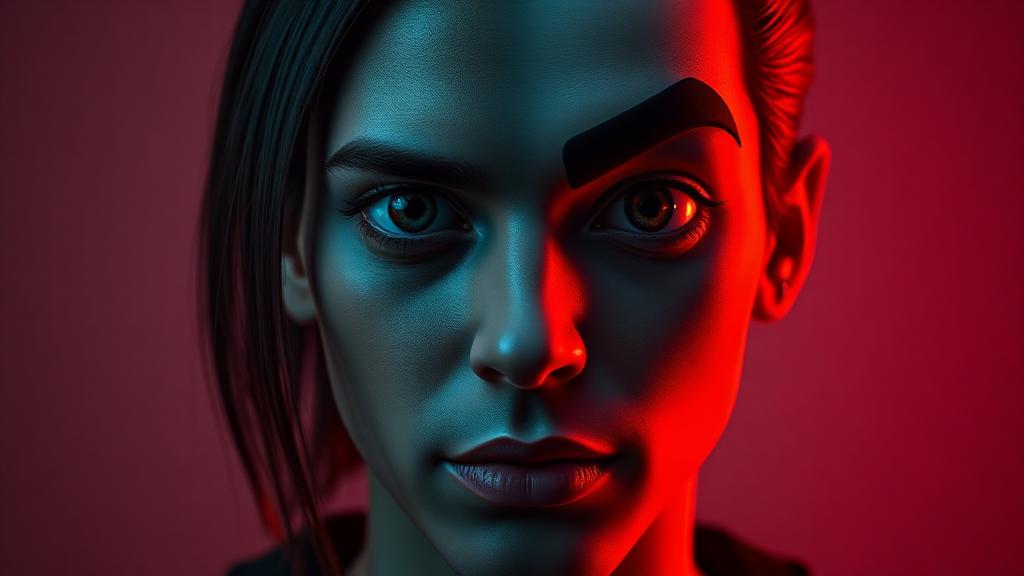
Move between fully photoreal and fully animated. The exact ratio is written into every generation prompt.
Face, wardrobe and attire references are part of the locked state, not something the model has to remember between calls.
Each clip stores the blend it was created with, so tuning the slider later never breaks finished work.